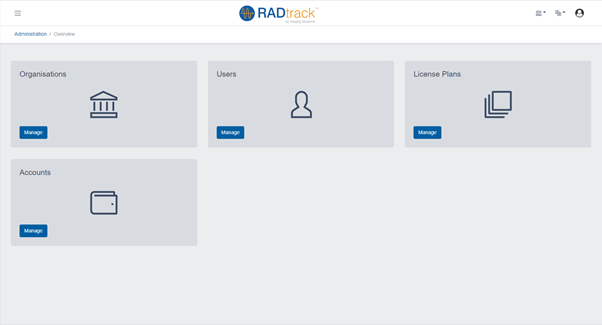
Administration
There are a number of administration options available from within RadTrack. This includes the option to manage sites, departments or even incorporate your enterprise logo from within the application. To administer your enterprise, site or department click on the Administration menu found on the main navigation bar of RadTrack.
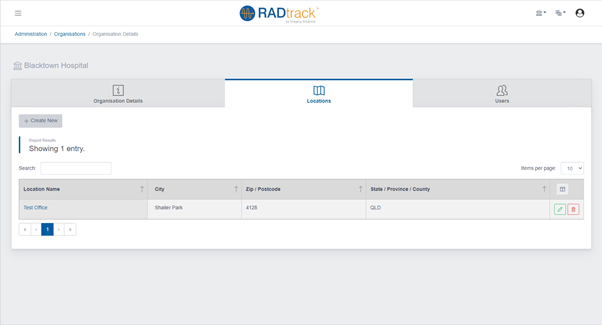
Managing RadTrack Sites
RadTrack allows you to manage sites from within the enterprise. These may be individual imaging practices and / or hospital sites. This allows you to easily manage large enterprises and to further customise your reports and easily identify inspection data. To create a new site click on the Create Site link found under the operations menu and enter the Site Name and Address information. To view the site information click on the Edit icon found to the left hand site of the site name in the listing sites section.
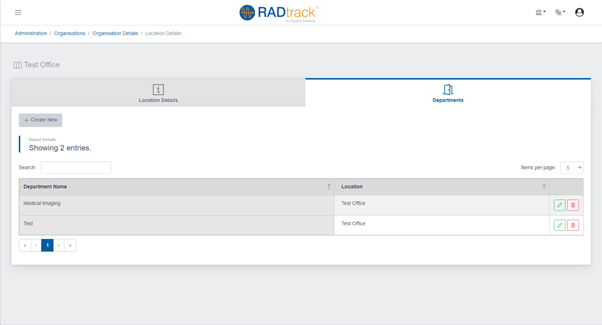
Managing Departments
RadTrack allows you to manage departments from within the enterprise. Like managing sites departments within RadTrack will help you to more easily manage your reports and easily identify inspection data. To create a new department click on the Create Department link found under the operations menu and enter the Department Name and the Site at which the department belongs to. To view the site information click on the Edit icon found to the left hand site of the site name in the listing departments section.